 Credit

The AI Face Beauty Tool is perfect to make your face features more beautiful and to get excellent portraits without trying your hand. Whether you're capturing selfies, professional headshots, or content for your online brand,
AI Facial Enhancement makes it simple to look polished and radiant in seconds.
Now, let us see how the AI Photo Face Beauty operates, the benefits it provides, and how you will manage to take your facial portraits to new levels with only a several clicks.
Why Choose an AI Face Beauty Tool?
Conventional photo editing is tedious and labour-intensive, technical, and quite challenging to master by a beginner. AI-powered technology has made facial enhancement quicker, smarter, and more natural-looking than it ever was. The AI Face BeautyTool intelligent algorithms will automatically recognize and fix the face features and provide your images a professional retouched look without any editing skills required.
Top benefits include:
Smooth, blemish-free skin in an instant
Natural lighting and color correction
Balanced facial proportions
Subtle glow without heavy filters
No app installation or complex tools required
Whether it's a quick selfie, a dating profile picture, or a formal business portrait, AI Portrait Beauty ensures your face always looks its best.
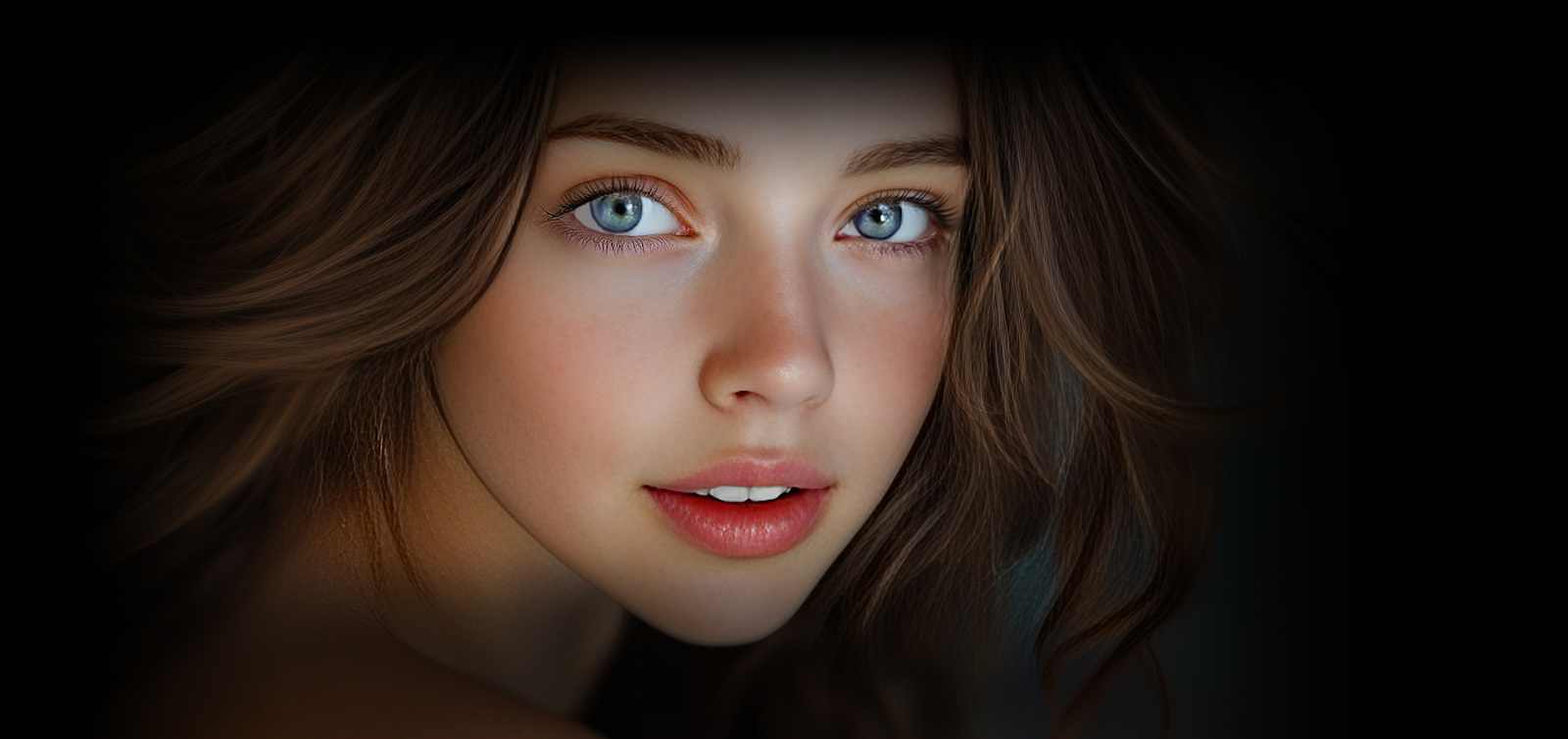
How AI Photo Face Beauty Works
The wonders of AI Photo Face Beauty are in sophisticated deep learning algorithms. To achieve this, these systems are trained using various real faces, making them very accurate when detecting the skin tones, facial landmarks, and textures. The tool helps in making your skin smooth, parts of uneven skin, and brightening up your eyes with an effect that says you are wearing nothing on your face.
Here’s what it typically improves:
AI Skin Smoothing: Subtly removes blemishes, acne, and wrinkles, but does not blur too much.
Facial Light Adjustment: Includes gentle highlights and lightens the brightness to achieve a fresh tone.
Face Features Smooth: Sets symmetric proportion on face and refines prominent areas, such as specific features of facial features and eyes, and lips.
Tone and Color Boost: Adds warmth and clarity without overpowering that true to life skin tones.
These applications run in your browser, and sometimes don't need an account to work, so they are convenient, quick, and easy to use.
Best AI Portrait Beauty Tool or App using AI - PixelFox Face Enhancer
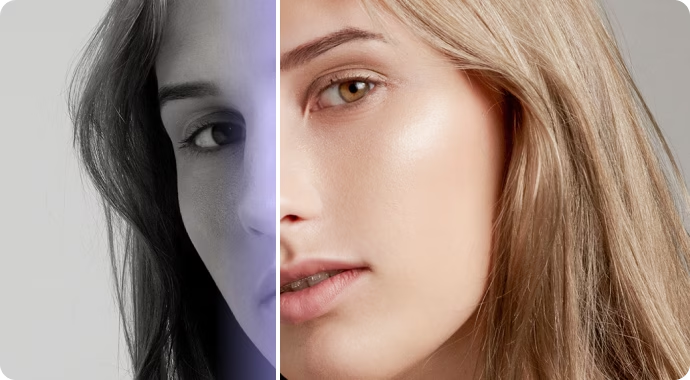
When one thinks about fancy AI photo enhancement tools, one must say that PixelFox Face Enhancer is one of the most intuitive and highest-quality ones. It is made to suit anyone, regardless of whether they are casual users or people who create content, and does smart enhancement on the fly, without compromising realism.
Key features include:
Smart AI-based skin smoothing and face retouching
Instant preview and fast processing
No downloads, logins, or subscriptions needed
Works on all popular browsers and supports multiple formats
Keeps natural textures and expressions intact
Upload a portrait of yourself, and in a few seconds, you will have a made-over and polished version of the same, just what you need on a resume, profile photo, dating app, or your brand.
Realistic Results Without Looking Overdone
The problem with typical photo filters is that they usually look unnatural or even plastic. However, AI Facial Enhancement software, such as PixelFox, is aimed at making the face look realistic. They do not change your face dramatically; instead, they emphasise the best features of your face and keep the features that make you, you.
What it does:
Softens harsh lines and reduces skin flaws
Brightens eyes and evens out tone
Enhances natural light for a soft, professional glow
Subtly refines symmetry and structure.
What it doesn’t do:
Over-edit your face or create a fake, filtered look.k
Blur out defining features.
Reshape your face into something unrecognizable
..
The result? A natural, but clean portrait that just feels like you, only better.
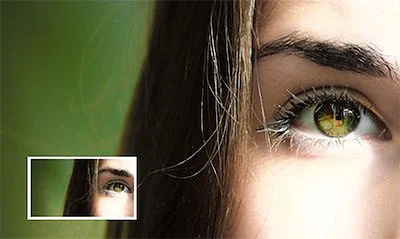
Who Can Benefit from AI Face Beauty?
AI Face Beauty Tools should not be regarded as tools of social media influencers or photographers only. They are aimed at all those who want to make their photos of their faces cleaner, sharper, and more attractive without any knowledge of editing.
Perfect for:
Professionals refreshing LinkedIn or company headshots
Online daters want to make a great impression.
Creators and vloggers producing content
Entrepreneurs updating branding images
Every day, users share moments on social media.
Skin Smoothing AI and Face Enhancement are products that you need to add to your digital arsenal in case you appreciate fast, convenient, and high-quality outcomes.
Final Thoughts: Let AI Face Beauty Do the Work
Editing pictures in the future is going to be smart, easy, and incredibly precise. But with the help of software such as the PixelFox Face Enhancer, everyone can now receive the benefits of studio quality in photos without having to spend extra on costly programs or waste time completing image enhancement manually.
Whether it is minor corrections on illumination of the photograph or a touch-up on skin and features, AI Portrait Beauty brings professional-level editing to the palm of your hand, and all can be done in a single click.
Ready to look your best? With the AI Face Beauty Tool, your portraits will be enhanced, and your actual self will still be on show.