 Credit


In this era of selfies, reels, and online impressions, looking good has never been more critical, or, to some, more achievable. With the power of AI and mobile devices on our side, makeup makeover and beauty makeover apps can now give you an instant virtual makeover in seconds with just a few touches. Whether you want to test out lipstick colors, contour your face, or try a brand-new look, these free apps and services help you do it virtually, and none of them involve a photo.
What Can You Expect to Do with a Make-up and Beauty Makeover App?
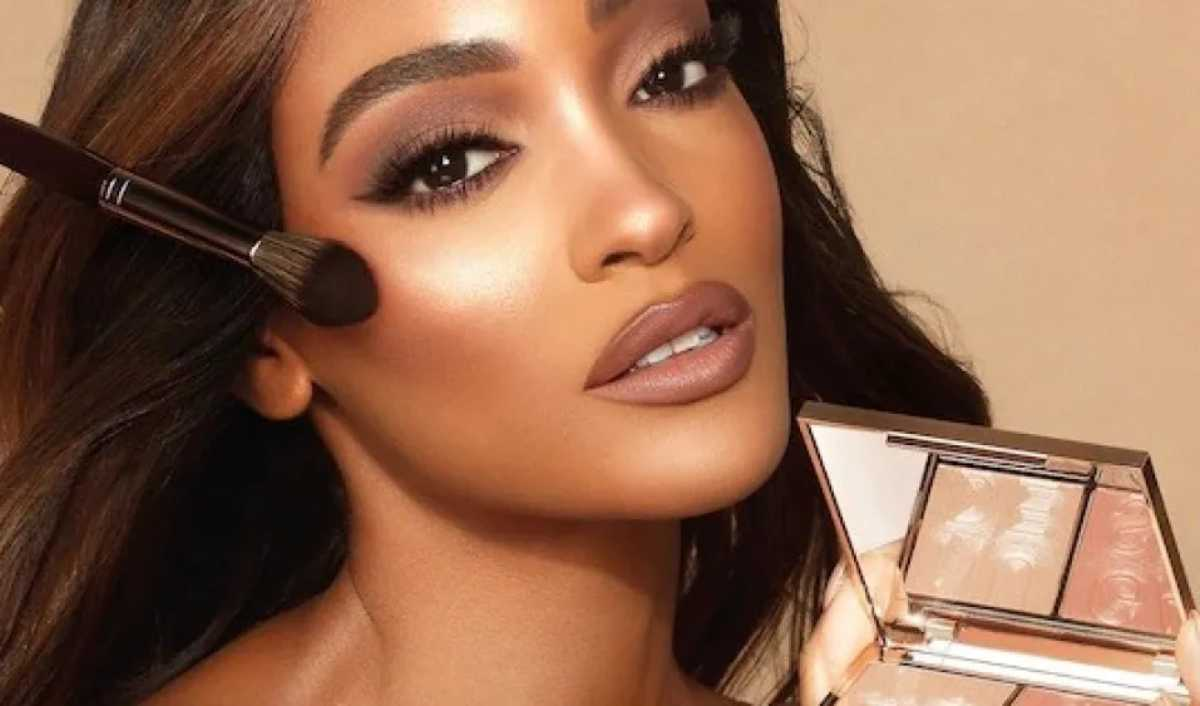
Classic make-up regimens demand time, money, talent, and even a bit of experimentation. But wouldn't it be great to see what your dream look would look like before busting out a brush? That’s precisely what a makeup makeover app is for; it employs the magic of artificial intelligence and augmented reality to allow you to apply and even try products on your face using your photo or live camera view.
Some of the advantages you will enjoy from using a beauty makeover app are:
Virtual Try-Ons: Lipstick, blush, eyeliner, eyeshadow, and more
Facial Shaping, Brow Shaping, and Bronzer
Instant previews of hair color and hair style changes
Nothing physical to produce or clean up
Useful when testing out gutsy looks before a rainbow weekend disclosure.
Great for influencers, content creators, and beauty lovers.
How Do Makeup Makeover Apps Work?
These apps usually use face detection algorithms along with AI beauty filters and virtual makeup layers. Whenever you add a selfie or create a look using your phone’s camera, the software creates a map of facial landmarks, like eyes, lips, cheekbones, ears, and jawline, and then superimposes digital cosmetics in real-time.
PixelFox Beauty Studio is the Best Makeup and Beauty Makeover App
PixelFox. This is one of the best-reviewed systems for AI-powered virtual makeovers. Famous for its intelligent facial retouching tools and user-friendly operation, PixelFox Beauty Studio provides an all-in-one solution for you to try on makeup and retouch skin, and creatively edit portraits. Whether you want a red carpet-inspired glam look or a polished finish that you can wear every day, this app allows you to try it on immediately, no downloads or skills needed.
PixelFox Beauty Studio Features:
Realistic AI make-up makeover
Select from 30 lipstick, blush, and eye make-up shades
Quick beauty makeover filters to make you look your best.
Natural and bold styles are available
Fast processing with real-time previews
No sign-up is required; everything is purely online and easy
Personalize every aspect of your product design.
From minimal makeup to memorable glam, makeup makeover apps have got you covered, offering unprecedented customization. And you can make the intensity of each feature stronger, crank up your eyeliner, tone down your blush, and swap out your lip color. Here are some of the common tools in these beauty makeover apps:
Lipstick & Gloss Picker: Explore vivid or neutral colors.
Foundation & Contour Tools: Sculpt and define your features
Eye Shadow and Liner Tools: From subtle to smoky in seconds
Adjusting the Blush: To tone their cheeks up to whatever shade you happen to want
Eye & Brow Liner: Precision, definition, and shape
Light & Dimension Effects: Make limited surfaces come to life with light
It’s this level of customization that sets apps like PixelFox apart: They aren’t just filters; they are an interactive makeup makeover engine for your very own face.
Ideal for Every Type of User
These tools are there for you to use; you don’t need to be a beauty genius or pro makeup artist to take advantage of them. Beauty makeover apps are for:
Novices who want to experiment with looks before investing in makeup
Influencers curating their online image
Makeup artists plan client looks
Creative Dressers who want to experiment with their Style in a Fun, Pressure-Free Way
Realistic Beauty Without Overdoing It
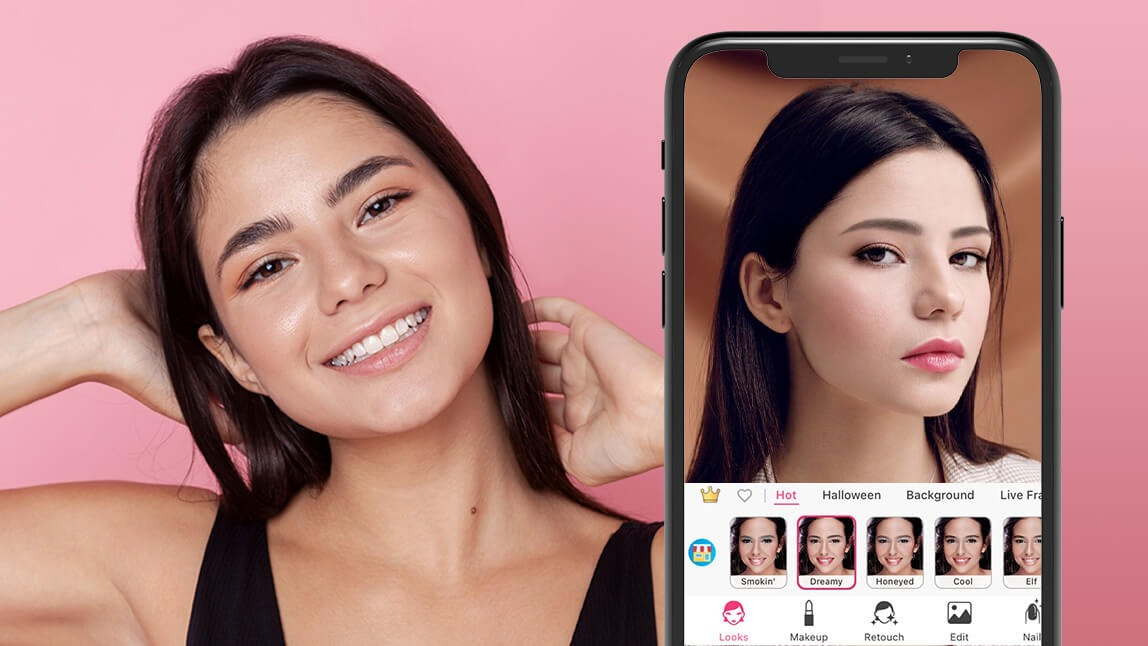
One of the best things about tools like PixelFox is their commitment to the real. Unlike some apps that make any effort to smooth or cartoonize features, these platforms focus on beauty makeover enhancements that are still you. Skin textures are preserved, facial proportions are kept, and make-up layers merge with the skin. This way, your new look is a real, slick growth, filled with certainty.
Try a Virtual Glow-Up Today
Whether you want to shake up your routine or simply mess around with makeup, a great makeup makeover app can be your new best friend. Apps such as PixelFox Beauty Studio are changing the way we think about style and self-image, giving us all the opportunity to discover, express, and experiment with our look in a matter of seconds.
Final Thoughts:
Thanks to the finest makeup makeover and beauty makeover apps, easily switch everything up and begin more quickly than ever before. Whether you’re getting ready for a special occasion or seeking to spice up those selfies, these beneficial aids help you tap into your inner artist and send confidence soaring with every click.
For a trustworthy, intuitive, and gorgeously efficient option, check out PixelFox's Beauty Studio, the shortcut to a flawless virtual makeover, no brushes required.