 Credit

Sharing photos online is great, but it has a big risk. Your hard work can be stolen and used without your permission in seconds. This is a huge problem for photographers, artists, and businesses. The best way to protect your images is by using a watermark. Adding a watermark to one photo is easy, but doing it for hundreds is a chore. This is where you need a good batch watermark freeware. This type of tool helps you apply your logo or text to many photos at once, saving you tons of time and effort.
Finding the right tool can be tricky. Many programs claim to be free but have hidden costs or major limits. In this guide, we will look at the best true batch watermark freeware options available in 2025. We'll explore what makes a good watermark program and review the top tools to help you protect your digital assets effectively.
Why Batch Watermarking Is a Smart Move
Using a watermark is about more than just stopping theft. It's a key part of managing your digital brand. When you spend time creating amazing images, you should make sure you get credit for them. A watermark soft tool provides two main benefits.
First, it is your first line of defense against unauthorized use. A visible watermark with your name, logo, or a copyright symbol makes it clear who owns the image. While a determined person might try to remove it, it stops casual theft completely. It makes people think twice before they right-click and save your work. For confidential images or client previews, a "Draft" or "Confidential" watermark is also very useful.
Second, watermarks are a powerful marketing tool. Think of it as free advertising. When your photos are shared on social media, your watermark goes with them. If it includes your website or brand name, people who see the image can easily find you. This helps build brand recognition and can bring new clients and followers directly to you. A consistent watermark across all your photos creates a professional and recognizable style.
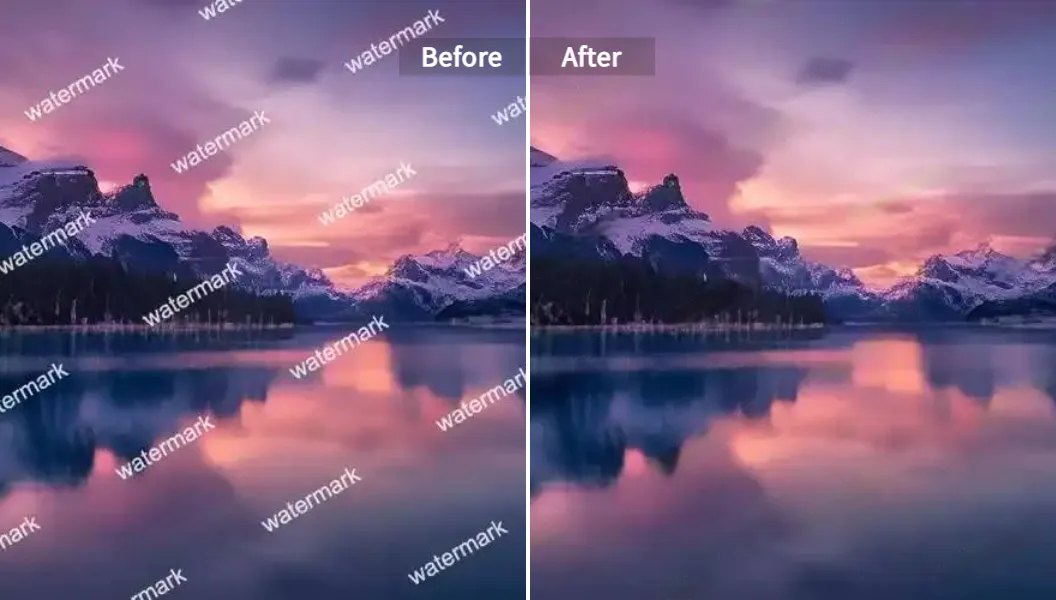
Key Features of the Best Free Watermark Software
Not all free watermark software is created equal. Some are simple and quick, while others offer more complex features. When you're looking for the right tool, here are the most important features to consider.
Text and Logo Support
A great batch watermark freeware should let you use both text and image watermarks. For text, you need options to change the font, size, color, and style. For logos, you should be able to upload your own image file, like a PNG with a transparent background. Some advanced tools even let you create multi-layer watermarks, combining text and logos.
True Batch Processing
The whole point of a batch tool is to save time. The software should allow you to upload a whole folder of images and apply the same watermark settings to all of them with a single click. The best tools can handle hundreds or even thousands of photos without slowing down your computer. They should also be smart enough to adjust the watermark size automatically for photos of different sizes or orientations (portrait vs. landscape).
Customization Options
Your watermark should be effective but not distracting. Good software gives you full control. Look for features like:
- Opacity: The ability to make your watermark semi-transparent so it doesn't overpower the image.
- Positioning: Options to place the watermark in a corner, in the center, or even tiled across the entire image for maximum protection.
- Rotation: The ability to angle your watermark.
- Templates: A feature to save your watermark settings so you can easily reuse them later.
Ease of Use and Performance
A watermark program should have a clean and simple interface. You shouldn't need to read a long manual to figure it out. The process should be straightforward: upload images, design the watermark, and process the batch. Performance is also key. The software should work quickly and not crash, even with large image files. Online tools should have fast upload and download speeds, and desktop apps should use your computer's resources efficiently.
The Ultimate Review: Top Batch Watermark Freeware
We've searched and tested to find the best free tools for batch watermarking. This list includes online apps, desktop software, and open-source options, each with its own strengths.
1. Pixelfox AI - The Smart AI Choice
Pixelfox AI is a modern, web-based tool that uses artificial intelligence to simplify your workflow. While it's famous as an AI Watermark Remover, its suite of tools is perfect for creators who manage many images. Instead of just adding watermarks, Pixelfox focuses on a complete image editing experience.
For users needing to prepare images for branding, its Image Background Remover is incredibly fast and precise. If you have images with existing, unwanted logos, the Logo Removal Tool can clean them up before you add your own branding. This AI-first approach makes it more than just a watermark program; it's a full-fledged creative assistant.
- Pros:
- Completely web-based, no download needed.
- AI-powered tools for tasks beyond watermarking.
- Very easy-to-use and intuitive interface.
- Processes files securely and privately.
- Cons:
- Primarily an editor and remover, not a dedicated batch watermarking adder.
2. Watermarkly - The Versatile Online Tool
Watermarkly is one of the most popular online watermarking tools, and for good reason. It offers a powerful and flexible free watermark software experience right in your browser. You can upload photos from your computer, Google Drive, or Dropbox.
The free version lets you process a batch of photos at once. You can create complex watermarks with your text and logo, and you have access to a huge library of over 900 fonts. You can adjust the size, transparency, and position. Watermarkly also automatically scales your watermark for different-sized photos. The main drawback of the free version is that it adds a small "Protected with Watermarkly" logo to your images. To remove it, you need to purchase a license.
- Pros:
- Works online and has desktop apps.
- Great customization options and font library.
- Automatically scales watermarks.
- Imports from cloud storage.
- Cons:
- The free version adds its own watermark.
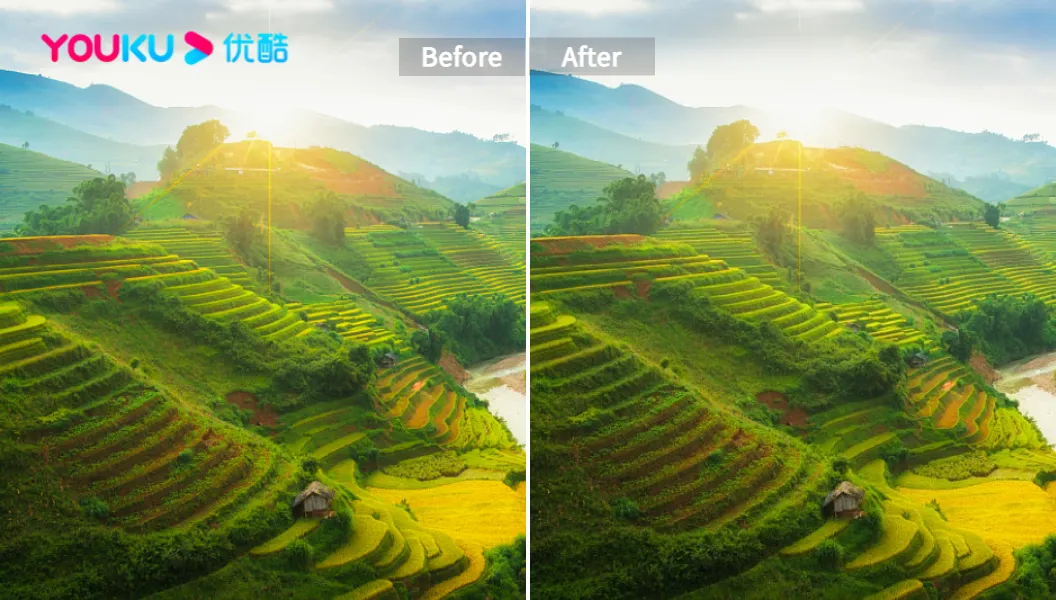
3. uMark - The Feature-Rich Veteran
uMark has been a trusted watermark software since 2005. It's available for both Windows and Mac as a downloadable application. uMark offers a great balance of features and usability. You can add text, logos, shapes, and even QR codes as watermarks.
The software gives you full control over customization, including transparency, color, and position. You can use drag-and-drop to place your watermark or choose from preset locations. It also has a useful tiling feature for full-image protection. A live preview shows you exactly how your images will look. uMark offers a 15-day free trial; after that, you need to buy a license for $29 to continue using it.
- Pros:
- Available for Windows and Mac.
- Supports text, logo, shape, and QR code watermarks.
- Saves watermark templates for reuse.
- Live preview feature.
- Cons:
- It's a trial, not a permanent
free watermark software.
- It's a trial, not a permanent
4. Watermark Image - The Simple & Free Option
If you are looking for a truly free and simple solution, Watermark Image is an excellent choice. It is a web-based tool that is 100% free with no sign-up required. Its motto is "Photo theft made harder," and it delivers on that promise with a straightforward interface.
You can drag and drop your images, add text or another image as a watermark, and adjust the transparency. It supports batch processing, so you can work on multiple files at the same time. While it doesn't have the advanced features of other tools, like a massive font library or QR codes, it's perfect for anyone who needs a quick and effective batch watermark freeware without any strings attached.
- Pros:
- Completely free to use.
- No sign-up or download needed.
- Simple and fast batch processing.
- Supports text and image watermarks.
- Cons:
- Fewer customization options than paid tools.
5. iWatermark Pro 2 - The All-in-One Watermarker
iWatermark Pro 2 is a powerful desktop watermark program designed for serious photographers. It excels in the variety of watermarks it can create. You can add text, logos, QR codes, and even invisible StegoMark watermarks that embed data into the image itself.
The interface is well-organized, with a live preview area in the center. It offers plenty of customization options, such as tiling, opacity, and special effects. However, the free trial version adds its own watermark to your output files. Additionally, placing and resizing watermarks is less flexible than in other apps; you have to choose from preset positions and enter size values manually instead of using drag-and-drop.
- Pros:
- Huge variety of watermark types, including invisible ones.
- Good customization options.
- Clean and organized interface.
- Cons:
- Free version adds the company's watermark.
- Watermark placement is not fully free-form.
6. Batch Picture Protector - A Basic Solution
As its name suggests, Batch Picture Protector is a Windows tool focused on batch watermarking. It's a basic watermark soft tool that gets the job done. You can add text and logos to your pictures and save your settings as a template for future use.
However, the software has some significant downsides. The biggest is the lack of a real-time preview. You can't see how your watermark looks until after you process the images, which can lead to a lot of trial and error. The trial version is also very limited; you can't actually process photos until you buy a plan. This makes it difficult to recommend over other options that offer a more functional free experience.
- Pros:
- Simple, focused on batch watermarking.
- Can save watermark templates.
- Cons:
- No live preview of the watermark.
- Trial version does not allow you to process photos.
- Basic feature set.
7. JACo Watermark - The Open-Source Alternative
For users who prefer open-source software, JACo Watermark is a solid option. It is a free Java-based application that supports batch processing for various image formats like JPEG, PNG, and BMP. You can add both text and image watermarks.
The software provides decent customization, allowing you to change the font, color, size, and opacity. It also includes a preview for each image before you start the batch process. Being open-source, it is completely free with no ads or limitations. However, the project has not been updated since 2014, so its interface feels dated and it may lack support for newer image formats or operating systems.
- Pros:
- Completely free and open-source.
- No ads or feature limitations.
- Supports both text and image watermarks.
- Cons:
- Outdated interface and no recent updates.
- May have compatibility issues with modern systems.
How to Watermark Your Photos for Maximum Protection
Creating a watermark is just the first step. Placing it correctly is crucial for it to be effective. An poorly placed watermark can be easily cropped out or removed. Here are some expert tips for using your free watermark software effectively:
- Go Semi-Transparent: A fully opaque watermark can ruin your photo. Make it semi-transparent so it protects the image without distracting from the content.
- Avoid the Corners: Placing a small watermark in the corner of a photo is a common mistake. It can be cropped out in seconds. Instead, move it closer to the center of the image.
- Use a Detailed Background: Avoid placing your watermark on a solid, single-color area like a clear sky. It is much easier to remove a watermark from a simple background. Place it over a detailed and textured part of your photo.
- Consider Tiling: For maximum security, use a tiled watermark pattern that covers the entire image. This makes it nearly impossible for someone to use any part of your photo without your branding being visible.
- Don't Be Too Loud: Your watermark should be visible enough to be effective but subtle enough that it doesn't become the main focus of the image.
Conclusion: Choosing the Right Batch Watermark Program
Protecting your digital photos is more important than ever, and a good batch watermark freeware is an essential tool for any content creator. Whether you need to protect your copyright, promote your brand, or both, the right watermark program will save you hours of manual work.
For users looking for a modern, simple, and truly free experience, an online tool like Watermark Image is a great starting point. For those needing more advanced features and professional control, a dedicated desktop application like Watermarkly or uMark offers a fantastic balance of power and price, even if their free versions have limits. And for those who need a smart, all-around image editing solution, Pixelfox AI provides a suite of tools that can prepare your images for any purpose.
Ultimately, the best watermark soft for you depends on your specific needs. Evaluate the options, consider the features that matter most to you, and start protecting your work today.